The Smart Home Pre-Wire Checklist Every Utah Builder Should Give Their Clients
The Smart Home Pre-Wire Checklist Every Utah Builder Should Give Their Clients
October 16, 2026
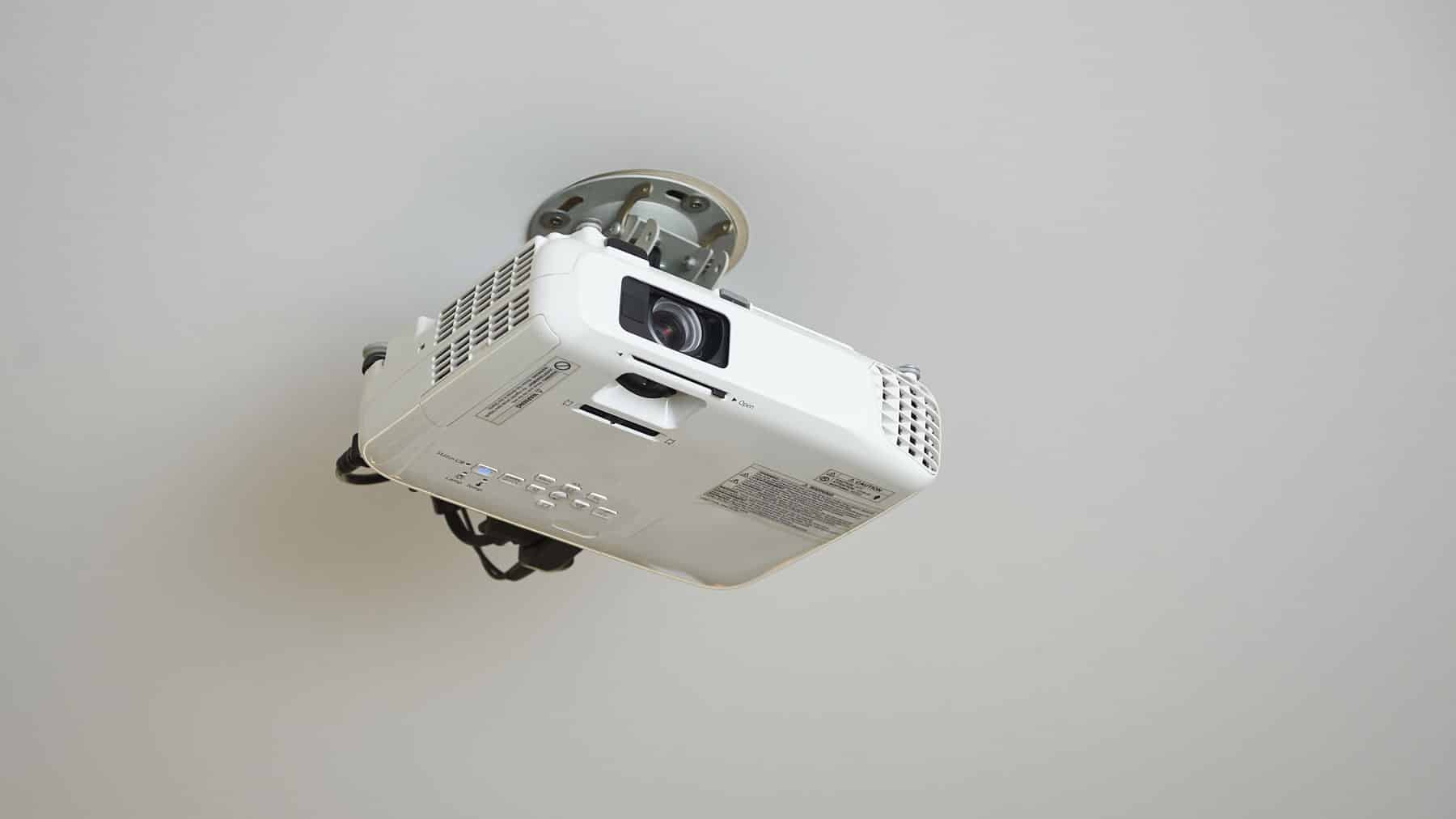
Pre-wiring covers the network, audio, security, and automation wiring that goes into a home before drywall goes up. Deciding on cameras, speakers, keypads, and network drops after the walls are finished is still possible, but it means retrofitting instead of running cable through open framing, which takes more time and costs more either way.
Making those decisions early avoids that tradeoff entirely, which means knowing what to plan for ahead of time. With over 50 years of experience to draw from, the team at Reed’s Built-Ins has created this checklist to help clients at the pre-wire stage in the building process.
Why Pre-Wiring Beats Waiting
Pre-wiring a home for structured cabling, security, and automation typically costs a fraction of what the same work does after the walls are finished, since retrofitting means cutting drywall, fishing wire through insulation, and patching everything back up when you’re done. Industry estimates put pre-wiring at 40 to 60% less than a comparable retrofit, and the added cost during construction usually lands around 1 to 3% of the total build.
There are other costs too: a house wired after the fact often ends up with visible cable runs and wireless workarounds standing in for a wired connection that would have been cleaner and more reliable if it had been installed earlier.
Start With the Network Backbone
Every smart home system depends on the network to work. Plan the network correctly, and the cameras, audio, and automation running on top of it are far less likely to run into problems.
What to include:
- Run Cat6a Ethernet cable, not the older Cat5e standard, to every room. The material cost difference is small, and Cat6a supports far faster speeds and holds up better as WiFi standards and bandwidth needs increase.
- At minimum, plan for two drops in each bedroom, four in shared living spaces, and two in the home office, with every run terminating at a central patch panel.
- Conduit between floors and out to detached structures, gates, or outdoor living areas.
Build a Real Technology Closet, Not an Afterthought
Every one of those cables needs to terminate somewhere central, usually a closet or rack built for the purpose. That location needs planning: conditioned space with ventilation and dedicated power, not a garage or an attic, since heat shortens equipment lifespan and cramped or hard-to-reach spots make future service more difficult.
Talk to your builder about carving out a small utility room or storage nook near the electrical panel. It doesn’t need to be large, but it does need ventilation, a couple of dedicated outlets, and extra space to fit more equipment as the system grows.
Plan Entertainment Wiring Before Drywall
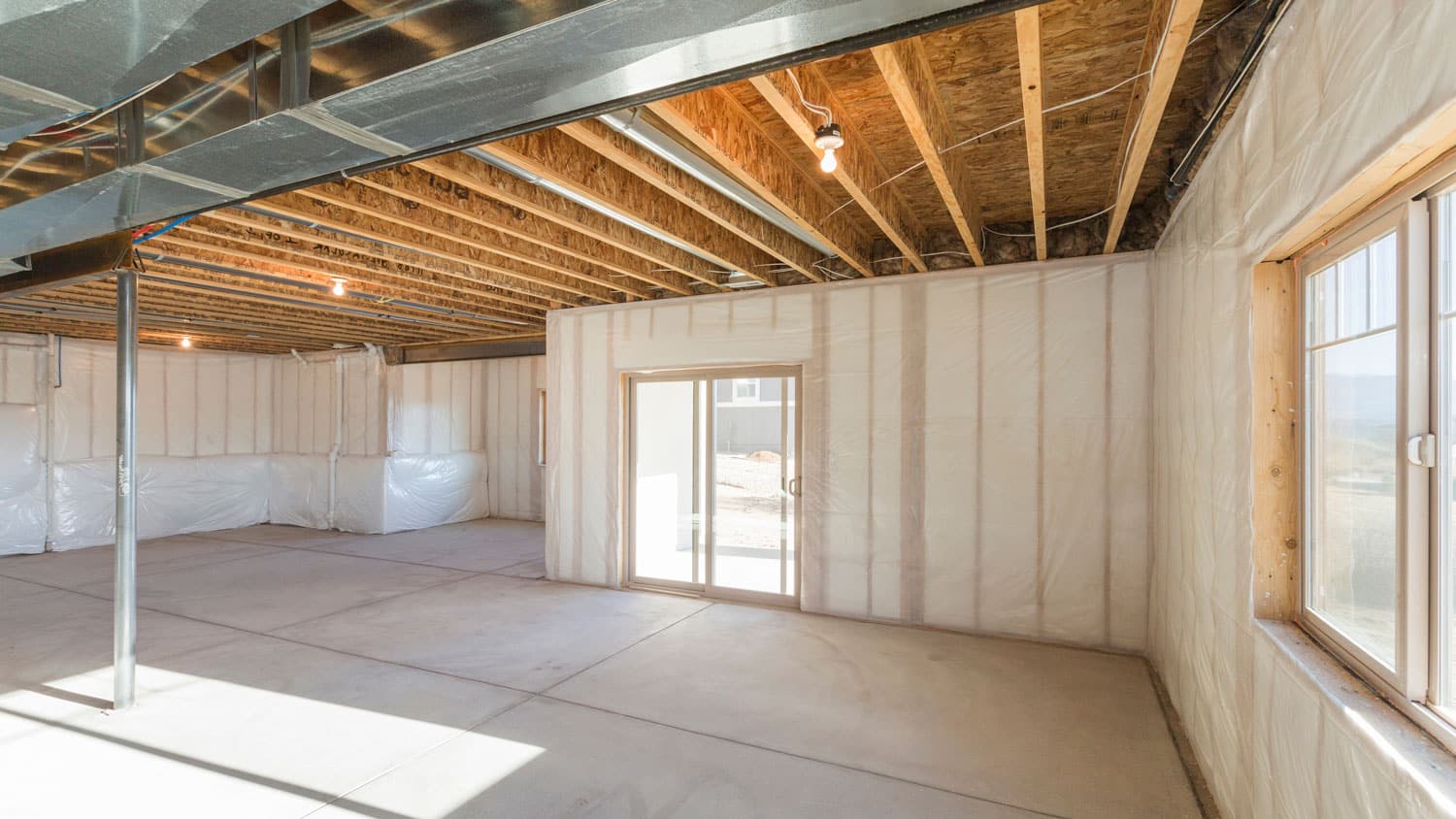
Speaker wire, HDMI runs, and conduit for future displays all need a path to travel, and that path only exists while the framing is open.
Cover these before drywall:
- Speaker wire to any room where audio might eventually matter, including rooms that feel optional today
- HDMI and coax runs behind planned TV locations, plus conduit sized for future display upgrades in rooms that haven’t been finalized yet
Don’t Skip Security, Shades, and Automation
Security cameras, smart locks, keypads, and motorized shades all need power and low-voltage wiring in specific spots, and deciding those locations is easier before drywall covers any cavities.
- Conduit and wiring to every planned exterior camera location, plus the front door and any secondary entries
- Keypad and access control wiring at entry points, sized for the low-voltage box your integrator specifies
- Shade wiring at every window that’s a candidate for automation, since shades are one of the trickiest retrofits in the entire smart home category
Additionally, labeling both ends of every wire and testing cables before the walls close saves time during trim-out.
Time It Right
Here’s when each of these decisions needs to happen during a build.
- Design phase. Decide on equipment closet locations and cable pathways while the floor plan is still being finalized.
- Rough-in. This is when equipment closets and cable pathways get installed.
- Pre-drywall walkthrough. This is the last chance to confirm every wire and pathway before insulation makes the walls impossible to inspect. Photograph and confirm everything.
- Trim-out and commissioning. After painting, the devices, speakers, cameras, keypads, connect to the wiring that was installed earlier. Then someone tests the system and shows the homeowner how to use it.

The Payoff Shows Up Later
According to the National Association of Realtors, nearly 90% of millennial buyers report willingness to pay more for a smart home’s benefits, and 65% of baby boomers say the same about IoT-enabled properties, which covers a wide swath of who’s shopping for homes in Utah right now.
Let’s Wire It Right the First Time
Building or remodeling in Utah, and want a pre-wire plan tailored to the floor plan? Reed’s Built-Ins has been designing and installing integrated systems for Utah homes for more than 50 years, and we work directly with builders to get the wiring right.


